


ePermitting
Aptli takes permit applications online, routes them for review, collects the fee and issues the permit.
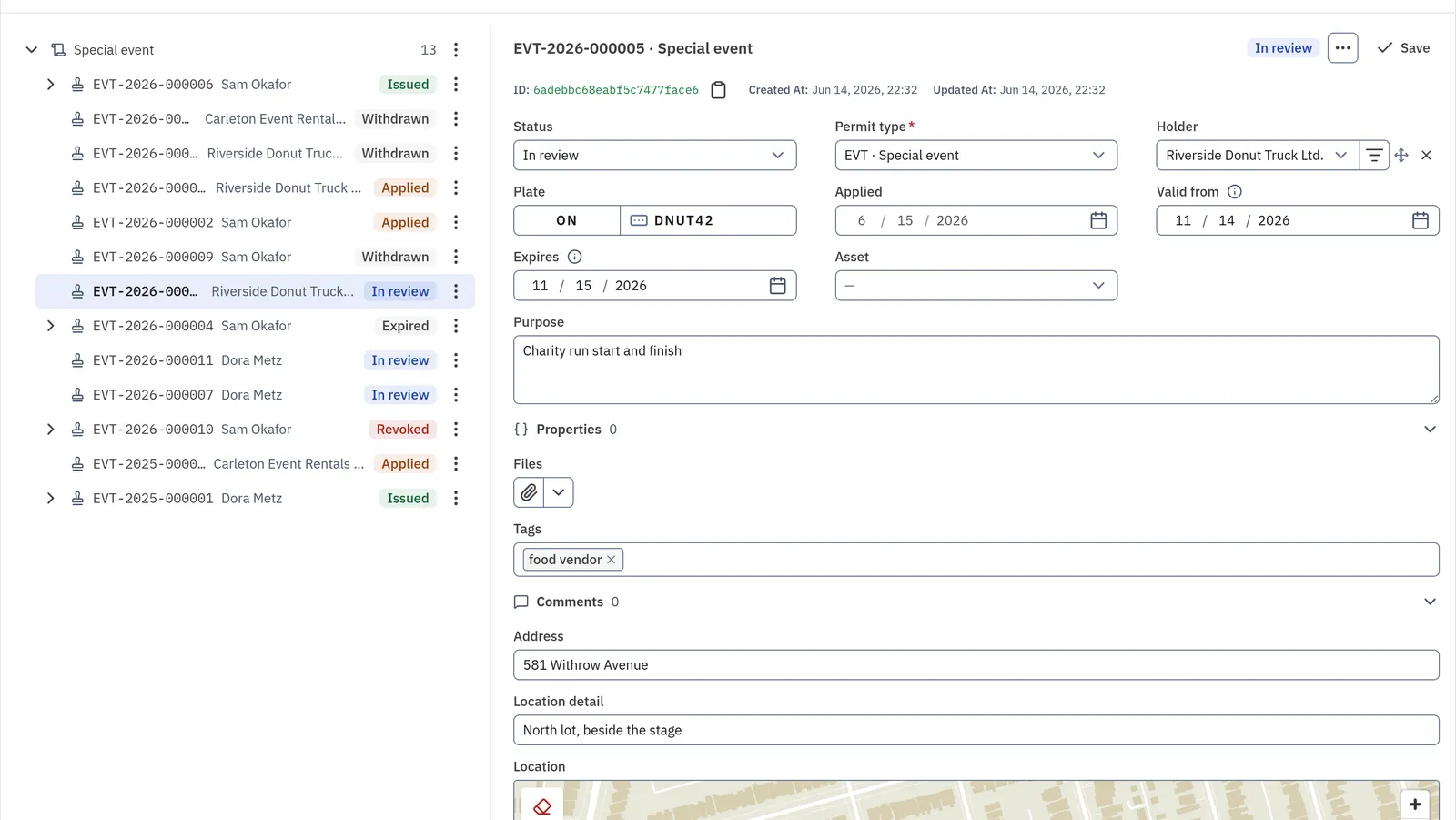
A permit type holds its own questions. The application arrives on a portal form, the fee is paid online, and the permit issues once it is paid.
How it runs
- 01ApplyApplicantThe applicant files on a portal form.
- 02Review itReviewerThe reviewer reads the application and approves it.
- 03Charge the feeAptliAptli raises the fee from the permit's fee schedule.
- 04PayYour payment processorYour payment processor takes the payment online.
- 05Issue itAptliAptli issues the permit with its number.
What it does
Online application
The applicant files on a portal form. Each permit type the form attaches opens one application, linked to the request.
Permit types and questions
A permit type holds the questions its permit needs, and the permit keeps the answers.
Review and approval
Staff review each application and move it to approved. A type set to approve on filing skips the wait.
Conditions and letters
Staff choose the comments that go into a letter, and the letter files on the permit as a PDF in your printout's design.
Fees
Approval raises each charge the form requires at its fee schedule's amount, and the applicant pays online.
Issuance and expiry
A paid permit issues with its number. A permit in force by its dates counts as covering its plate or place.
Technical details
- A portal form attaches permit types and fee schedules, any number of each.
- A permit type and a fee schedule each hold their own questions, and the permit and the charge keep the answers.
- Staff approve a reviewed permit first, then the person pays, and the permit issues.
- One payment covers every charge a filing takes, and the processor holds it until the filing is written.
- A permit in force by its dates answers whether a plate or a place is covered.
- Staff pick the comments for the letter, which files on the permit as a PDF.
- A form takes requests from its own areas, between the dates it opens and closes.
Fits with
Yours in its place
Your payment processor
Stripe or Moneris takes the fee. Aptli keeps the charge, the ledger line and the processor's reference.
Runs on
Public portal
The application form and the applicant's tracking page.
ePermitting
Permit types, review, letters and issue.
Charges
The fee and its online payment.
Goes with
Aptli routes each public report to the right person and sends the status back.
Aptli issues notices with no signal and carries each one through hearings and payment.